Tuboleta Pass4.2624.1
Publisher Description
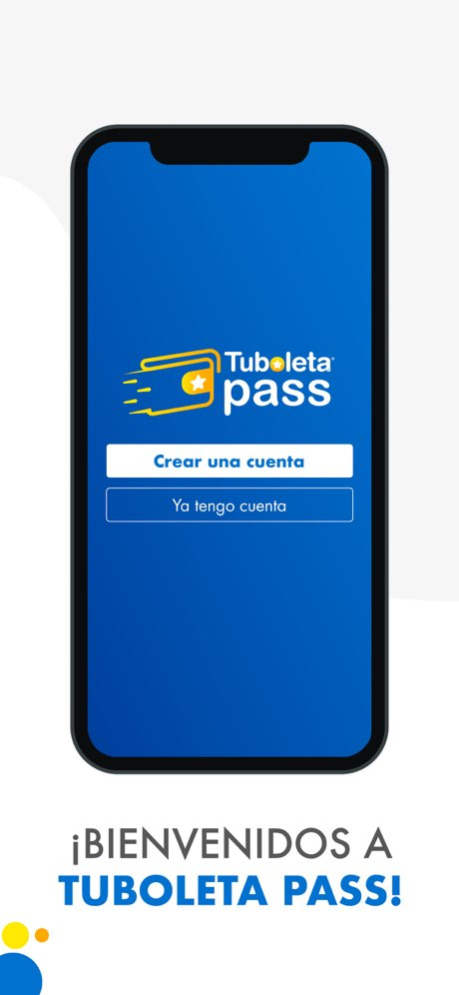

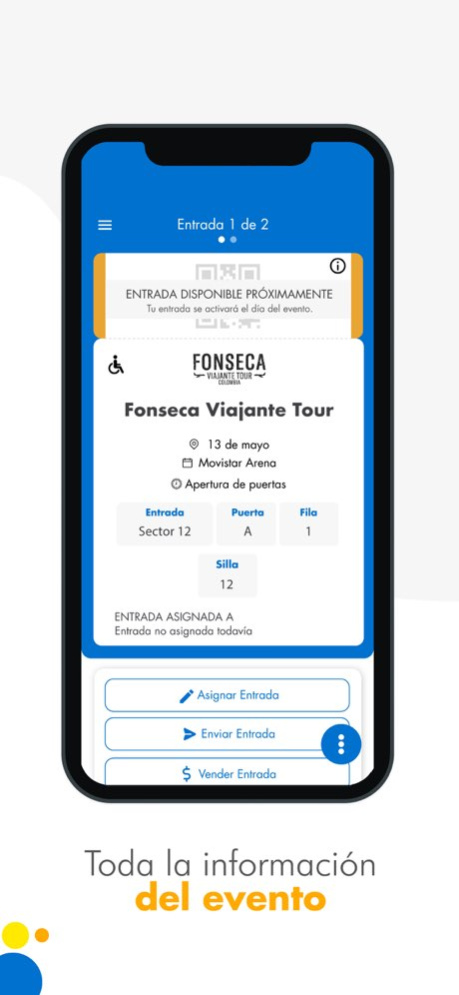

"Tuboleta Pass is a mobile wallet which provides an easy and secure way to receive and manage your Tuboleta digital tickets on your phone, with the backing of Blockchain technology.
With Tuboleta Pass:
. Create your account using the same email you used to purchase on Tuboleta.com.
. Transfer tickets to your friends and companions using the "Send Ticket" option.
. Access the events by presenting the QR code on your phone.
. If you can't attend the event, use the "Resale on Pásala" option within the app to resale your tickets.
Version History Bug fixes and enhancements 4.2624.1 Aug 3 Bug fixes and enhancements 4.2612.1 Apr 9 Bug fixes and enhancements 4.2534.3 12/22/2025 Improvement 3.2516.1 05/26/2025 Bug fixing and improvements 3.2426.1 08/27/2024 Fix bug 3.2421.2 05/13/2024 IOS 17 fix and new labels 3.2335.1 10/27/2023 New translations 3.2332.1 09/04/2023 Bug fixing and improvements 3.10.2 05/17/2023 3.10.1 03/20/2023
About Tuboleta Pass
The company that develops Tuboleta Pass is Ticket Fast SAS. The latest version released by its developer is 4.2624.1.
To install Tuboleta Pass on your iOS device, just click the green Continue To App button above to start the installation process. The app is listed on our website since 2026-10-06 and was downloaded 14 times. We have already checked if the download link is safe, however for your own protection we recommend that you scan the downloaded app with your antivirus. Your antivirus may detect the Tuboleta Pass as malware if the download link is broken.
How to install Tuboleta Pass on your iOS device:
- Click on the Continue To App button on our website. This will redirect you to the App Store.
- Once the Tuboleta Pass is shown in the iTunes listing of your iOS device, you can start its download and installation. Tap on the GET button to the right of the app to start downloading it.
- If you are not logged-in the iOS appstore app, you'll be prompted for your your Apple ID and/or password.
- After Tuboleta Pass is downloaded, you'll see an INSTALL button to the right. Tap on it to start the actual installation of the iOS app.
- Once installation is finished you can tap on the OPEN button to start it. Its icon will also be added to your device home screen.
Program Details
System requirements
Download information
Pricing
Version History
version 4.2624.1
posted on 2026-10-06
Version History Bug fixes and enhancements 4.2624.1 Aug 3 Bug fixes and enhancements 4.2612.1 Apr 9 Bug fixes and enhancements 4.2534.3 12/22/2025 Improvement 3.2516.1 05/26/2025 Bug fixing and improvements 3.2426.1 08/27/2024 Fix bug 3.2421.2 05/13/2024 IOS 17 fix and new labels 3.2335.1 10/27/2023 New translations 3.2332.1 09/04/2023 Bug fixing and improvements 3.10.2 05/17/2023 3.10.1 03/20/2023
version 4.2612.1
posted on 2026-07-27
Version History Bug fixes and enhancements 4.2612.1 Apr 9 Bug fixes and enhancements 4.2534.3 12/22/2025 Improvement 3.2516.1 05/26/2025 Bug fixing and improvements 3.2426.1 08/27/2024 Fix bug 3.2421.2 05/13/2024 IOS 17 fix and new labels 3.2335.1 10/27/2023 New translations 3.2332.1 09/04/2023 Bug fixing and improvements 3.10.2 05/17/2023 3.10.1 03/20/2023
version 4.2534.3
posted on 2025-12-22
Bug fixes and enhancements
version 3.2516.1
posted on 2025-05-26
May 26, 2025
Version 3.2516.1
Improvement
version 3.2426.1
posted on 2024-08-27
Aug 27, 2024
Version 3.2426.1
Bug fixing and improvements
version 3.2421.2
posted on 2024-05-13
May 13, 2024
Version 3.2421.2
Fix bug
version 3.2335.1
posted on 2023-10-27
Oct 27, 2023
Version 3.2335.1
IOS 17 fix and new labels
